Why I Ditched CSS-in-JS and SCSS for Tailwind
by Ravi Ranjan, Full-Stack Developer
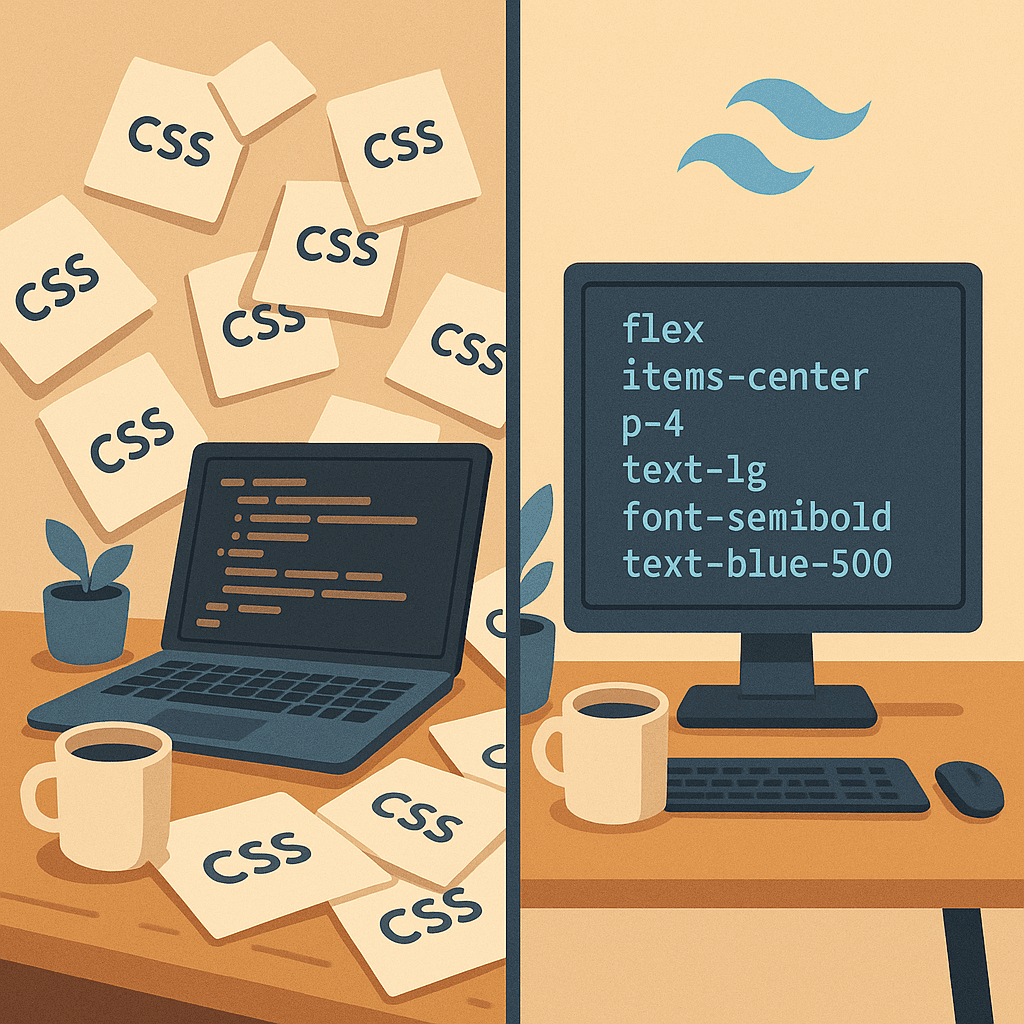
I was deep into a project when it happened. A simple button color change. Should have taken 30 seconds. Instead, I was bouncing between four different files trying to figure out which stylesheet was actually controlling that button. Was it in the component's styled-components file? The SCSS partial? Some global override I forgot about?
That was my breaking point.
My CSS Journey (The Short Version)
Let me give you the quick rundown of my styling evolution over the years.
Started with vanilla CSS. The classics - separate stylesheets, BEM naming conventions, trying to keep things organized. It worked, until projects got bigger and I spent more time thinking about class names than actually building stuff.
Then came SCSS. Finally, variables and nesting and mixins. Felt like magic. I could organize my styles into partials, use functions, create reusable patterns. Life was good. For a while.
Then the component era arrived. React components everywhere. CSS-in-JS seemed like the natural progression. Styled-components, Emotion - I tried them all. Co-locate your styles with your components. No more hunting for stylesheets. Sounds perfect, right?
It was. Until it wasn't.
What Actually Broke Me
The Naming Problem (It Never Goes Away)
Here's the thing nobody tells you about CSS-in-JS. You still need to name things.
const StyledButton = styled.button`
  // styles here
`

const ButtonWrapper = styled.div`
  // styles here
`

const ButtonContainer = styled.div`
  // wait, how is this different from wrapper?
`
I thought I escaped the naming problem. I didn't. I just moved it somewhere else. Now instead of naming CSS classes, I was naming styled components. And honestly? It was worse. Because these names had to be valid JavaScript identifiers.
At least with CSS classes I could do .btn-primary-lg. Now I'm writing StyledPrimaryLargeButton and wondering why my component file is 400 lines long before I even get to the actual logic.
Context Switching is Real
This is the one that really got to me.
With CSS-in-JS, sure, your styles are "co-located" with your component. But think about what that actually means in practice.
You're writing JSX. Then you scroll down to write some CSS-in-JS. But wait, you're not actually writing CSS. You're writing CSS inside a JavaScript template literal. So you need to think in CSS syntax while being careful about JavaScript syntax.
const Button = styled.button`
  background: ${(props) => (props.primary ? '#007bff' : '#6c757d')};
  padding: ${({ size }) => (size === 'large' ? '12px 24px' : '8px 16px')};

  &:hover {
    background: ${(props) => (props.primary ? '#0056b3' : '#5a6268')};
  }
`
Your brain is constantly switching between:
- JavaScript logic
- CSS properties
- Template literal syntax
- React props
That's four different mental models in one block of code. Every time you switch, there's a tiny overhead. Do it a hundred times a day, every day, and it adds up. You don't even notice it until you stop doing it.
Bundle Size Creep
Let me be honest here. For small to medium projects, CSS-in-JS bundle size is fine. Most apps won't notice the difference.
But when you start caring about performance - and you should care about performance - CSS-in-JS has inherent overhead. The runtime has to parse those styles, inject them into the DOM, handle dynamic props. There's always going to be some JavaScript running for your styles.
Is it a deal-breaker? No. Is it zero? Also no.
With SCSS, at least you get plain CSS at the end. But you still ship more CSS than you need because nobody cleans up unused styles. Be honest - when was the last time you went through your stylesheets and removed dead CSS?
The Dead CSS Graveyard
Speaking of dead CSS.
Every project I've worked on has a graveyard. Old styles that nobody uses but nobody removes because what if something breaks? Components that got deleted but their SCSS files stayed. Mixins that exist in _mixins.scss that haven't been imported in two years.
I've seen projects with 50KB of CSS where maybe 15KB was actually used. And good luck finding which 35KB to delete without breaking something.
CSS-in-JS helps a bit here because styles are scoped to components. Delete the component, delete the styles. But only if you use it perfectly. In practice, you still end up with shared styled components that multiple things import, and now you're back to the same problem.
The Tailwind Skeptic Phase
I'm going to be honest. I hated Tailwind when I first saw it.
<button
  class="rounded bg-blue-500 px-4 py-2 font-bold text-white hover:bg-blue-700"
>
  Click me
</button>
My immediate reaction: "This is just inline styles with extra steps. How is this better than anything? My HTML is going to be unreadable."
I dismissed it. Didn't even try it. Went back to my styled-components and felt superior about my "clean" JSX.
Then I watched someone build a UI with Tailwind. Fast. Crazy fast. They weren't thinking about names. They weren't opening other files. They just... built it.
I decided to try it on a small project. Just to prove to myself it was as bad as I thought.
Getting Over the "Ugly HTML" Thing
The class strings are long. That's true. Here's what I realized though.
How often do you actually read your HTML/JSX? Like really read it, word by word? In my experience, you scan it. You look for structure. You look for components.
After a few days with Tailwind, I stopped seeing bg-blue-500 hover:bg-blue-700. I just saw "blue button" in my head. The classes became a kind of shorthand that my brain could pattern match.
And here's the thing - I can LOOK at that button and know exactly what it does. No hunting. No opening another file. No "wait, what does .btn-primary actually do again?"
For the stuff that really gets long, you extract it:
const buttonClasses = "bg-blue-500 hover:bg-blue-700 text-white font-bold py-2 px-4 rounded"

<button className={buttonClasses}>Click me</button>
Or better yet, you make a component. Which you probably should have done anyway.
What Actually Changed When I Switched
Speed. Real, Measurable Speed.
This is not exaggeration. I build UIs faster with Tailwind than I ever did with any other approach.
There's zero context switching. You're in your JSX, you need a style, you add a class. You never leave the file. Your hands never leave the keyboard. You're not opening a stylesheet, finding the right selector, writing a property, going back to check how it looks.
You type mt-4 and you have margin-top. Done. Move on.
First few days, sure, you're looking stuff up. "What's the class for justify-content space-between?" After a week, you just know it's justify-between. After a month, you don't think about it at all.
Constraints Are Actually Good
Here's something I didn't expect.
Tailwind has a default design system. Spacing goes 0, 1, 2, 3, 4, 5, 6, 8, 10, 12... Colors have specific shades. Font sizes are predefined.
At first this felt limiting. I can't do padding: 17px? What if I need exactly 17px?
Then I realized: I never actually need exactly 17px. I thought I did, but I was just picking numbers arbitrarily. Now I pick from the scale: p-4 (16px) or p-5 (20px). And suddenly my UI is consistent without me having to think about it.
No more "wait, did I use 12px or 14px padding on that other card?" Everything uses the same scale. Everything looks like it belongs together.
No More CSS File Hunting
This is the big one for me.
When I need to change how something looks, I change it right where it is. Always. There's no "where is the CSS for this?" because there is no other CSS file. There's just the component with its classes.
New developer joins the project? They can understand the styling immediately. They don't need to learn your naming conventions, understand your SCSS architecture, or figure out which mixin does what. They just read the classes.
<div className="mx-auto max-w-md overflow-hidden rounded-xl bg-white shadow-md md:max-w-2xl">
  {/* content */}
</div>
You can look at this and know exactly what it does. Max width, centered, white background, rounded corners, shadow, hidden overflow, larger max width on medium screens. It's all right there.
Design Changes Are Actually Easy
Client wants the buttons to be rounder? You change rounded to rounded-lg everywhere. That's it.
Want to try a different shade of blue? Change bg-blue-500 to bg-blue-600 and see how it looks. Instantly.
Before, I had to find the variable, change it, wait for the build, see the result. Or worse - find all the places where that color was hardcoded because someone didn't use the variable.
Now I just edit class names. The feedback loop is instant.
When I Still Don't Use Tailwind
I'm not a zealot. There are times when Tailwind isn't the right tool.
Complex Animations
For simple hover states and transitions? Tailwind is great.
<button className="transform transition duration-150 ease-in-out hover:scale-105">
  Hover me
</button>
But for complex keyframe animations, sequenced animations, or anything that requires real animation choreography? Write actual CSS. Or use Framer Motion. Tailwind's animation utilities are convenient for basics but limiting for complex stuff.
Truly Dynamic Styles
When styles genuinely depend on runtime data in complex ways.
// This is awkward with Tailwind
<div style={{ width: `${percentage}%` }}>Progress</div>
You can't do w-${percentage} - Tailwind classes need to exist at build time. For truly dynamic values that come from data, use inline styles or CSS custom properties.
Third-Party Component Libraries
Some component libraries come with their own styling systems. Fighting against them with Tailwind is painful. Just use what they provide.
When Your Team Genuinely Hates It
If your team really can't stand Tailwind after giving it a fair shot (not just a day - give it a week), don't force it. A styling approach the team resents is worse than a suboptimal approach the team likes.
Making the Switch Easier
If you're considering Tailwind, here's what helped me:
Install the VS Code extension. Seriously, do this first. Autocomplete for class names, color previews, hover documentation. It makes a massive difference.
Read the docs once. Just skim them. Tailwind's documentation is genuinely good. Spend an hour understanding the system - the spacing scale, the color system, how breakpoints work. It'll save you time looking things up later.
Start with a small project. Don't rewrite your production app. Build a side project, a landing page, anything small. Get comfortable with the workflow before you commit.
Copy patterns from Tailwind UI. This is optional if you have the budget, but even the free examples show you how to structure things. See how they handle responsive design, how they compose utilities.
Don't fight it. If you catch yourself writing @apply everywhere to create custom classes, you're missing the point. Just use the utilities directly. Make components if you need reusability.
The Honest Summary
Here's what switching to Tailwind actually gave me:
Faster development - This is not subjective. I build interfaces faster. Less time thinking about names, less time switching files, less time debugging cascade issues.
Smaller CSS - PurgeCSS removes unused utilities. My production CSS is tiny compared to what it used to be. And I know all of it is being used.
Easier maintenance - New developers can understand the styling immediately. There's no institutional knowledge required. No "oh, that's in the utils partial."
Consistent design - The constraint system means everything looks like it belongs together, even when different people build different parts.
Less cognitive overhead - One mental model. Just utility classes. No more switching between CSS, JavaScript, template literals, and props.
Here's what it cost me:
Learning curve - About a week to feel comfortable, a month to feel fast.
Long class strings - They don't bother me anymore, but they're real.
Less "clever" CSS - You can't write complex selectors or nested structures as easily. For 95% of use cases, this is fine. For the other 5%, you write regular CSS.
Is Tailwind perfect? No. Nothing is. But for how I work, for the kind of projects I build, for the speed I need to move - it's the best tool I've found.
Try it on something small. Give it a real chance. You might hate it. That's fine. But you might also discover what I discovered - that the "ugly" utility-first approach actually makes building UIs kind of fun again.